Is WebinarAce simply an AI video maker?
No. It is a connected webinar production system. It uses your offer, source material, approved words, branding, proof and final narration to create the slide plan, precise timing, finished video and supporting webinar assets.
Do I need to use WebinarGeek?
No. The finished MP4 is ready for WebinarGeek or your chosen webinar provider. The chat and CTA material can be used where your platform supports comparable features.
Can I use my own voice?
Yes. Record in the built-in teleprompter studio, upload finished narration or use professional voice generation. If you ad-lib while recording, the final audio—not the draft—drives the slides and timing.
What do the 300 production minutes cover?
They cover up to 300 minutes of finished WebinarAce output—five full hours in total. The allowance applies whether you generate narration, record with the teleprompter or upload finished audio. Usage charged separately by a connected AI or voice provider is not taken from those production minutes.
Do I have to use simulated chat?
No. Audience chat is optional. If you enable it, WebinarAce creates natural responses with believable delays and lets you add, edit, retime or delete messages before rendering.
Can I change the automatic slide timing?
Yes. Production Review lets you listen to the narration, inspect the current slide, move transitions, remove unwanted slides and restore the automatic timeline if you change your mind.
Will every webinar look the same?
No. WebinarAce works from your brand page, colours, logos, screenshots and proof so the production belongs to your product rather than a generic template.
Can I make another version without starting again?
Yes. Clone a project with its editable source material, visuals and settings while leaving the old recording, video and production checkpoints behind.
Can WebinarAce write the script too?
Yes. Script Studio can create or improve a webinar from your source pages and supplied copy. Generated and improved scripts open in Guided Section Review so you can approve every part before narration.


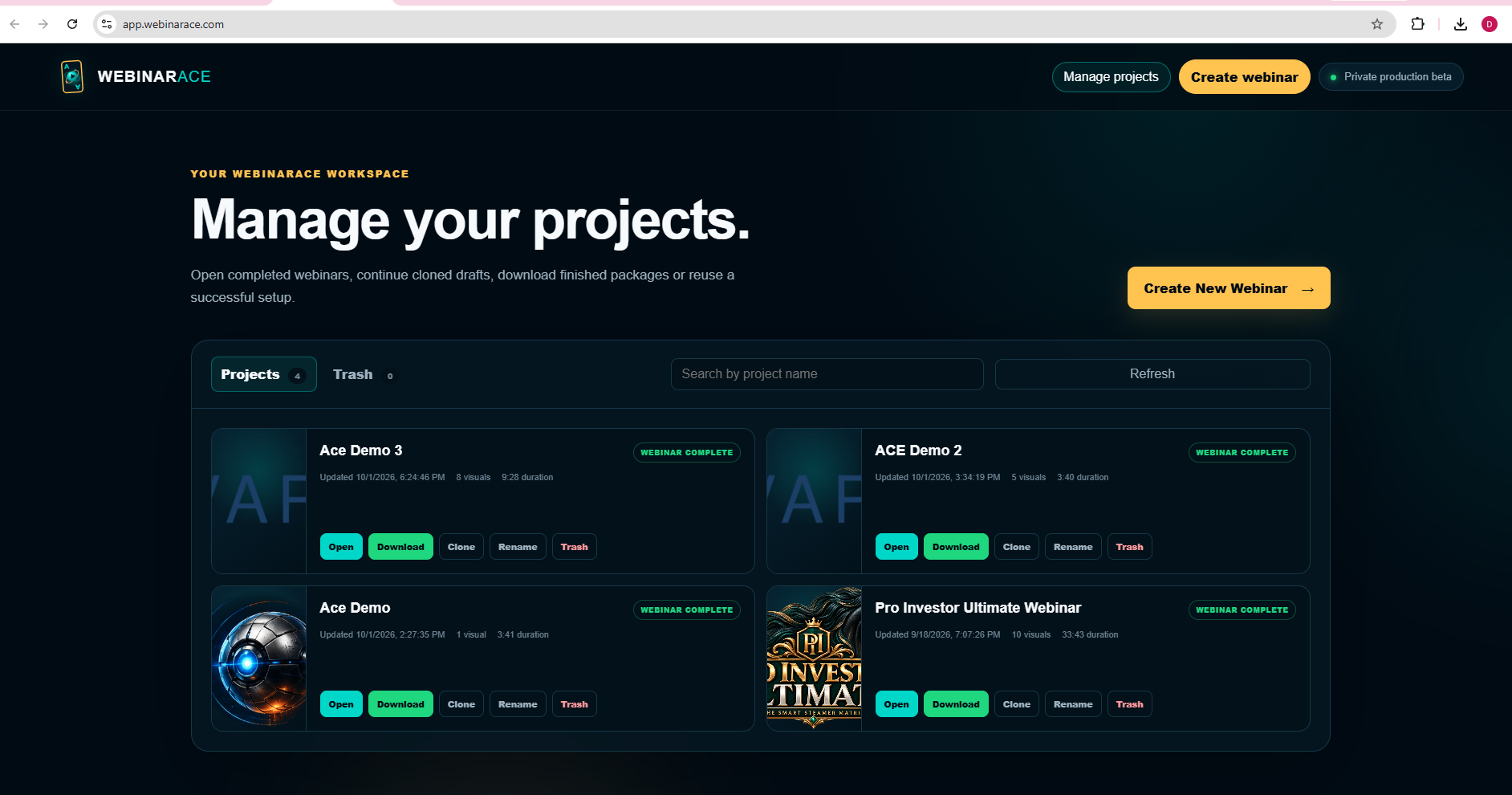
 Tested end to end
 GoTo Webinar


 EasyWebinar
 eWebinar